
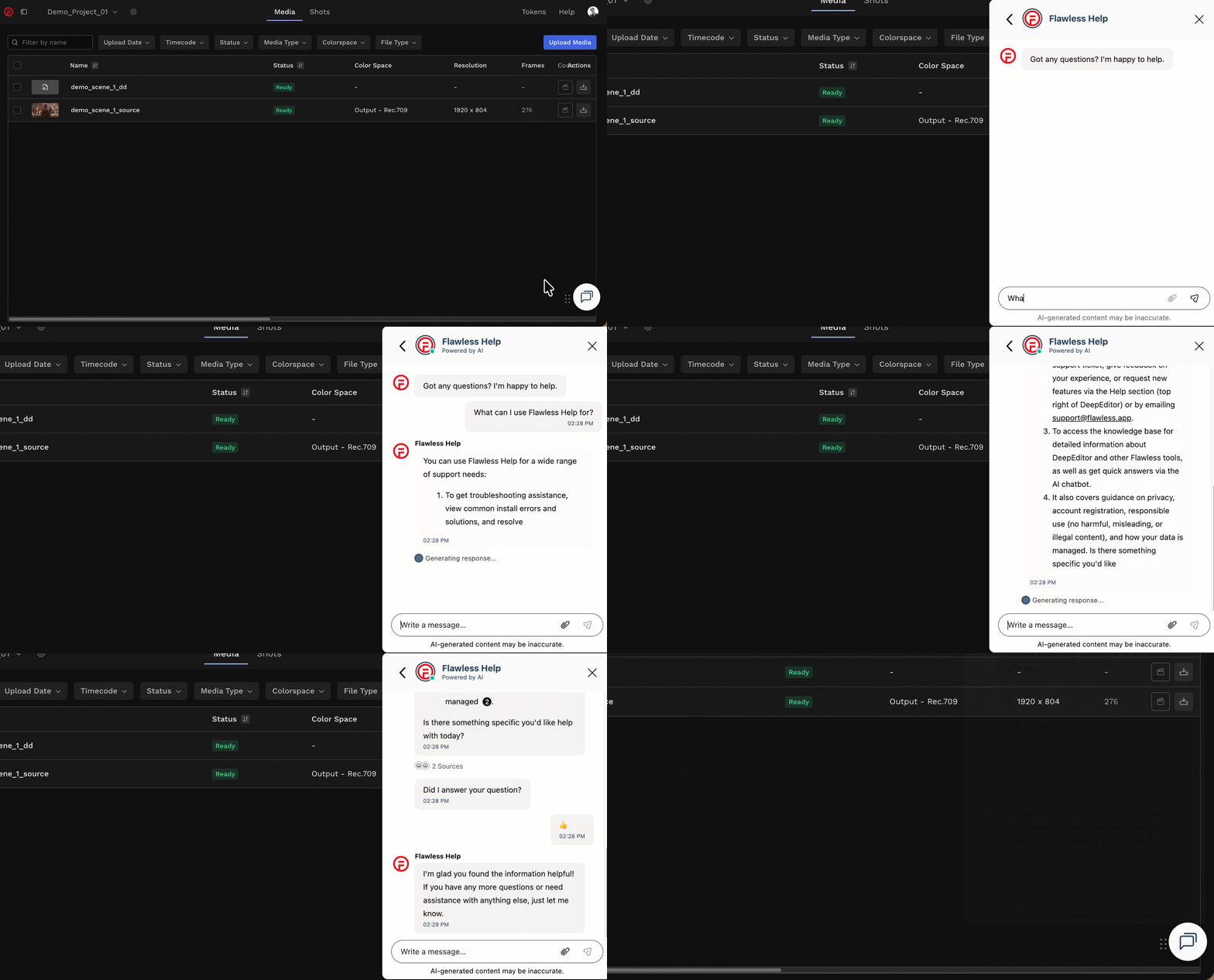
Remember to try the Flawless Help chatbot when you have any questions!
Installation and Setup
How do I uninstall the DeepEditor Extension?
-
Don't do it! Just kidding - if, unfortunately, you want to uninstall the DeepEditor Extension, then see the guidance here.
What is the price for DeepEditor licenses for Avid Media Composer?
There is no separate license fee or cost to download, install, or access the DeepEditor extension for Avid Media Composer. The extension is free to access directly from within Avid Media Composer.
DeepEditor uses a usage-based token model for generating visual dubs ("vubs"), rather than a per-seat software license fee. Please see Token Types & Pricing for details.
Creating your Vub
If I create a project using the Avid Extension, will I be able to see it in the web app?
-
Yes, all projects created in the DeepEditor Extension will be fully accessible in the web app and vice versa - the Extension can access all projects created in the web app.
How do I check my token balance in the Extension?
-
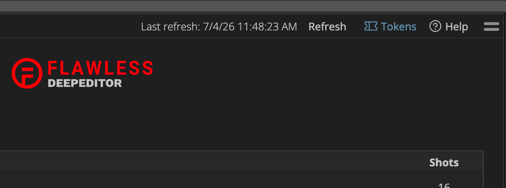
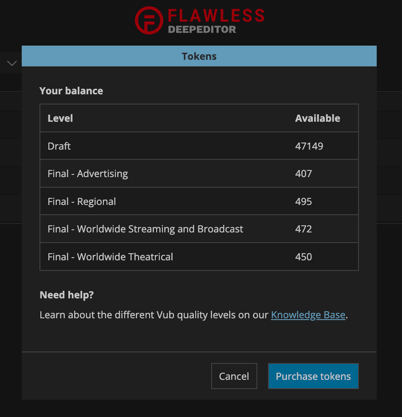
To check your token balance, select the Tokens button on the top right of the DeepEditor Extension:
Can I cancel a vub in the Avid Extension once it's In Progress?
-
No - once your vub is In Progress you can't cancel it (this is the case for both the Avid Extension and the DeepEditor web app).
-
Can I manage / reassign characters in the DeepEditor Avid Extension?
-
No - but you will be notified if there are unassigned characters and have a link to the web app where you can make any adjustments. See here for guidance.
Can I generate vubs in the Extension in a color space other than rec709?
-
Not at the moment - vubs will automatically be created in rec709 color space. If you are working in another color space, e.g. rec2020, then you will need to export your Source media and Driving Data from Avid in the correct color space and create your vub via the web app, following the guidance starting here. You will however still be able to bring these vubs back into your Avid project via the Extension.
My Avid project is using REC2020 as its color space, will that work?
- Currently the DeepEditor Avid Extension assumes that the Avid project color space is rec709. To vub using REC2020 color space, you will need to export your Source media and Driving Data and upload via the web app to run your vubs.
Where does the Extension create temp media files?
- Temp media files are created by the DeepEditor Extension as part of the vub creation process - these are located in a user-defined location, as described here.
My Avid project is using UHD as its resolution, will that work?
- While the DeepEditor Avid Extension will still create vubs from a UHD project, these vubs will be generated at HD resolution. Speak to support to discuss the best path for you.
Downloading your Vub
Where does the Extension download vubs to?
- The DeepEditor Extension must first download a vub media file before importing it. The location of these downloaded files is given here.
Contacting Support
If you require assistance, the first place to try is the Flawless Help chatbot. It is available 24/7 to help you and can be found in the DeepEditor web app and our Knowledge Base in the bottom right of your screen.
To go directly to the Knowledge Base from the DeepEditor Extension, select the Help button on the top right [the chatbot is not currently available directly in the DeepEditor Avid Extension]:
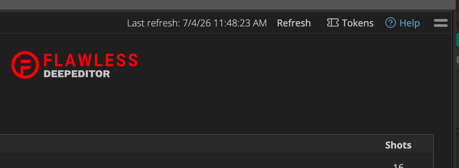
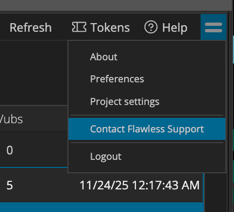
If the chatbot can't resolve your issue, you can request support from the 'sandwich' menu in the DeepEditor Extension:
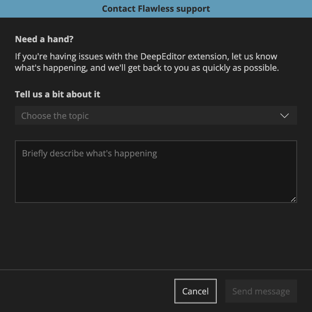
This will take you to this form that, once completed and submitted, will be sent to the Flawless support team:
Alternatively, please contact us at support@flawless.app.