
-
Installation and Setup
-
Creating your Vub
-
Downloading your Vub
-
Media Package Learning Resource
-
Contacting Support
Installation and Setup
How do I uninstall the DeepEditor Extension?
-
Don't do it! Just kidding - if, unfortunately, you want to uninstall the DeepEditor Extension, then see the guidance here.
Creating your Vub
How do I check my token balance in the Extension?
-
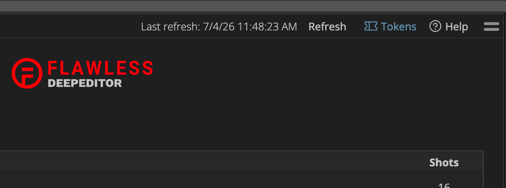
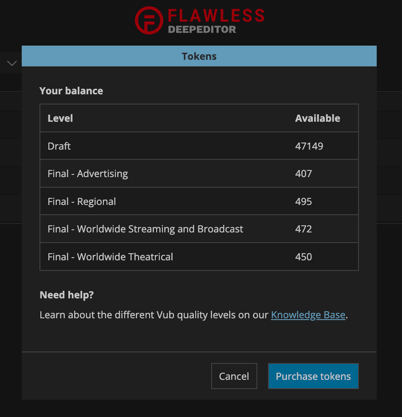
To check your token balance, select the Tokens button on the top right of the DeepEditor Extension:
Can I manage / reassign characters in the Extension?
-
No - but you will be notified if there are unassigned characters and have a link to the web app where you can make any adjustments. See here for guidance.
Can I generate vubs in the Extension in a color space other than rec709?
-
Not at the moment - vubs will automatically be created in rec709 color space. If you are working in another color space, e.g. rec2020, then you will need to export your Source media and Driving Data from Avid in the correct color space and create your vub via the web app, following the guidance starting here. You will however still be able to bring these vubs back into your Avid project via the Extension.
Downloading your Vub
[question]
-
[answer]
Media Package Learning Resource
[question]
-
[answer]
Contacting Support
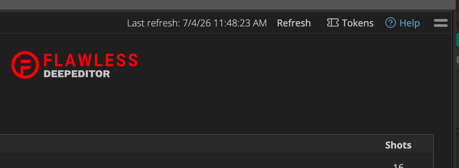
If you require assistance, the first place to try is the Flawless Help chatbot. It is available 24/7 to help you and can be found in the DeepEditor web app and our Knowledge Base. To go directly to the Knowledge Base from the DeepEditor Extension, select the Help button on the top right [the chatbot is not currently available directly in the DeepEditor Avid Extension]:
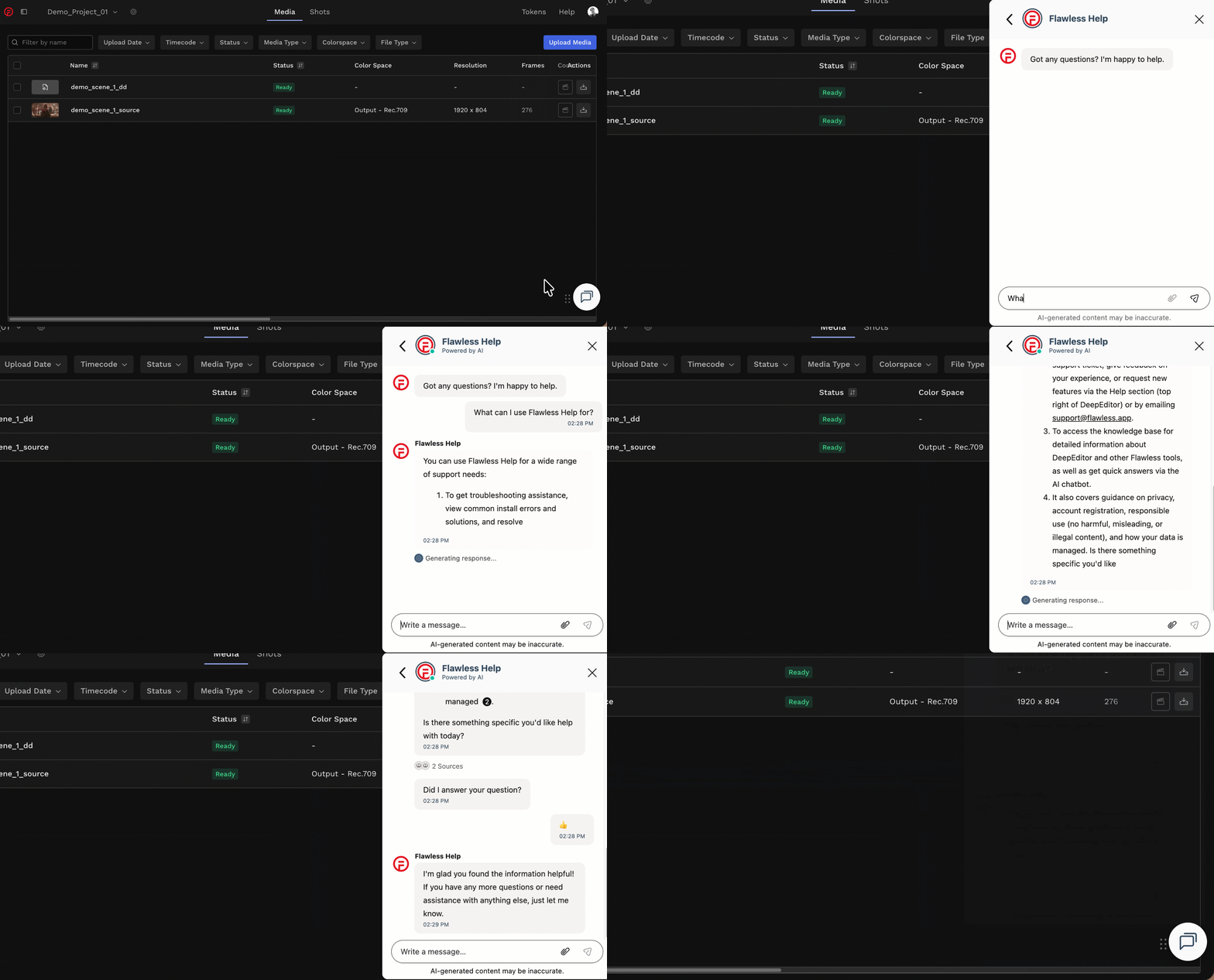
When in the Knowledge Base or the DeepEditor web app, you can find the chatbot on the bottom right of your screen:
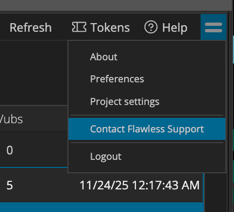
If the chatbot can't resolve your issue, you can request support from the 'sandwich' menu in the DeepEditor Extension:
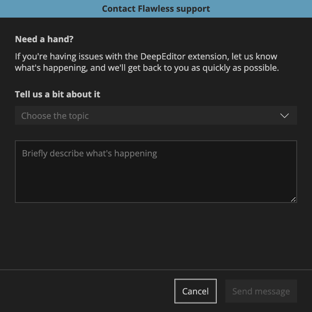
This will take you to this form that, once completed and submitted, will be sent to the Flawless support team:
Alternatively, please contact us at support@flawless.app.