
-
Refinement Interface
-
Assess the Vub
-
Interpolation & Scale
-
Lip Sync - General
-
Viseme Refinement
-
Advanced Lip Sync Controls
-
Contacting Support
Refinement Interface
If an internet connection failure happens during a render, what happens to my work?
-
If there is an internet connection failure during your render, the render will continue, so you should just log back in when the connection is restored. Note that if you log back in and the render is still running, you should refresh your Refinement tool browser on render completion to ensure that the overrides are saved.
Assess the Vub
[question]
-
[answer]
Interpolation & Scale
[question]
-
[answer]
Lip Sync - General
How do I mute a character and stop them from saying a line?
-
Your vub result will directly correspond to the Driving Data you use. To stop a character from saying a line, you can either:
-
Upload Driving Data that is silent during the moments you wish to mute a character. There will be no speech content in the result but there may be some expression change during these periods based on the perceived emotional expression of the actor during that time.
-
Take the Scale down to 0 for the period you wish to mute the character - the vub result will be a no speech and the average emotional expression for the shot. See here for more information about Driving Data Scale.
-
Viseme Refinement
[question]
-
[answer]
Advanced Lip Sync Controls
[question]
-
[answer]
Contacting Support
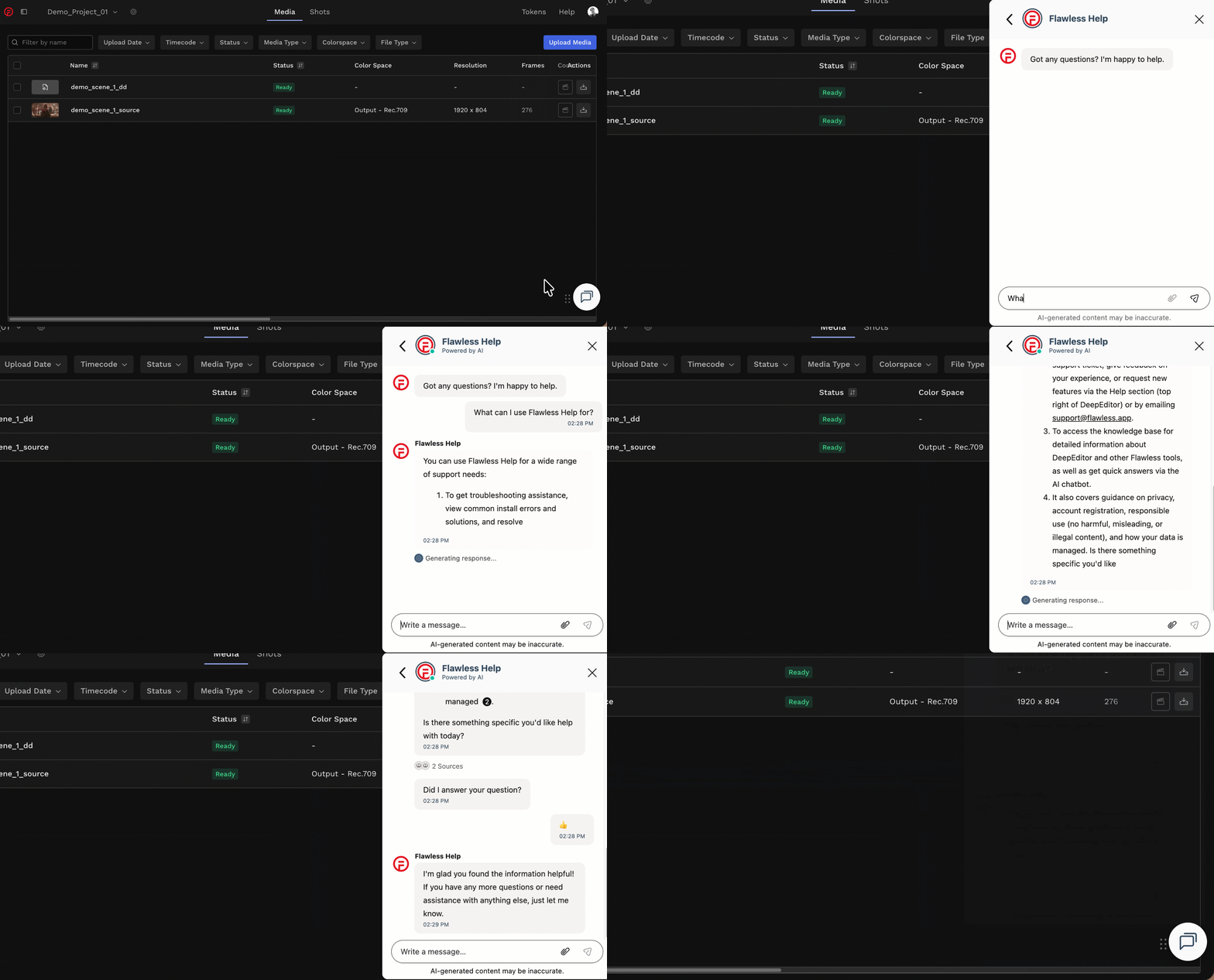
If you require assistance, the first place to try is the Flawless Help chatbot. It is available 24/7 to help you - you can find it in the bottom right of your screen inside the DeepEditor web app and in our Knowledge Base.
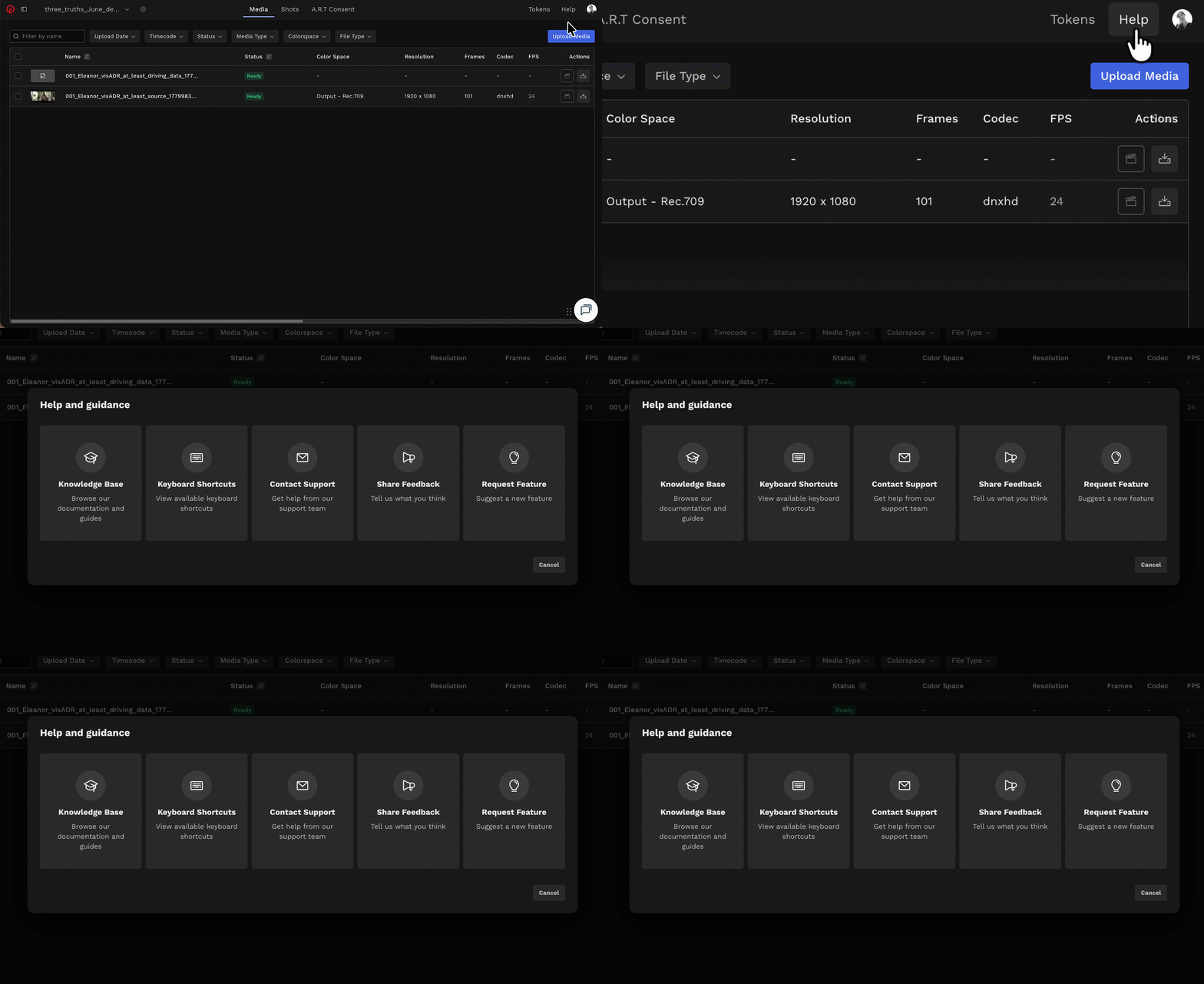
If the chatbot can't resolve your query, click Help in the top-right corner of DeepEditor to access the following options:
- Knowledge Base — search articles and try the Flawless Help chatbot again
- Keyboard Shortcuts - a full list of the keyboard shortcuts for the Refinement tool
- Contact Support — raise a Flawless Support ticket
- Share Feedback — share your experience of the product
- Request Feature — suggest ideas for new features
-
You can also email support@flawless.app directly at any time.
Read Next: Refinement Best Practice